FEATURES.
Six core capabilities engineered for campus navigation. Each mode is calibrated to deliver clear, accessible data to admins, teachers, and students who need to find their way.
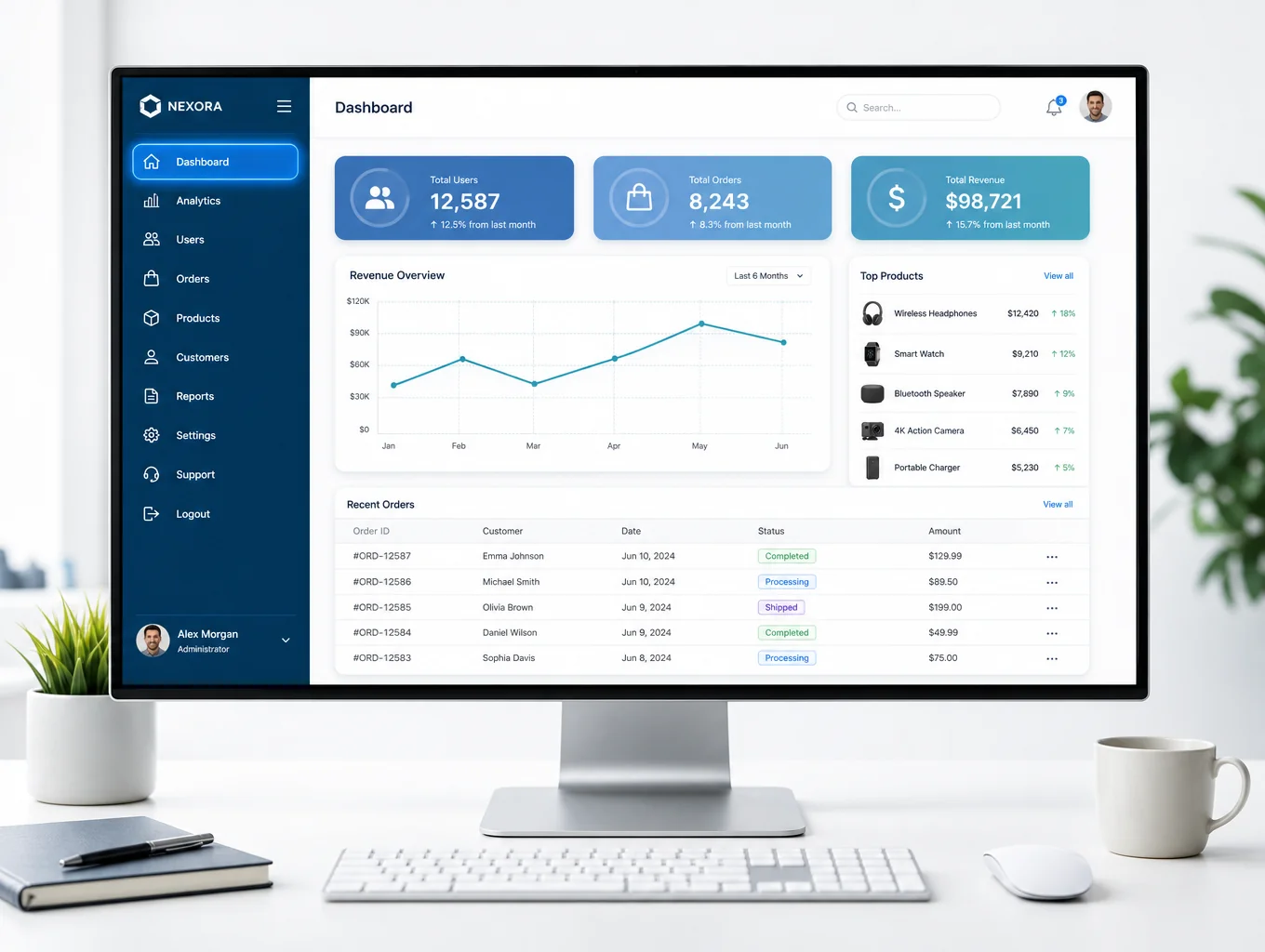
Admin Control Hub
Full system oversight for administrators. Manage campus maps, building data, and user access levels with precision tools designed for total control.
Teacher Schedule Edit
Empower faculty to manage class schedules and student assignments. Update room info and course details in real-time for seamless campus flow.
Student View Mode
A streamlined interface for students and guests. View campus maps, find classrooms, and check teacher schedules without editing permissions.
Teacher Search Engine
Find any faculty member by name instantly. Access department info, office locations, and current class schedules with one simple search.
Campus Map Navigation
Interactive web-based mapping for every building. Navigate hallways and wings with clear visual cues and room-specific location data.
Room Info Directory
Comprehensive database of all campus rooms. View availability, department assignments, and facility details for every space on campus.
Need custom access?
Our team builds tailored navigation solutions for schools of any size.
/ 05 — SYSTEM MODES
ADMIN VIEW/USER VIEW.

ACCESS LEVELS
Admin, teacher, and student roles tailored for campus needs.
LIVE SEARCH
Find any teacher or classroom location in real-time.
MAP ACCESS
Always-on navigation for every building on campus.